Every calculator, rolled into one project
The free calculators answer one question at a time. The Project Manager connects them — so a paint estimate, a flooring order and a contractor quote all live in one budget that updates as your project moves.
Built around the phases of a real renovation
- Plan — set your scope, rooms and target budget.
- Estimate — material calculators build your quantities and shopping list.
- Quote — compare contractor bids side by side, line by line.
- Build — track budget vs actual with over-budget flags as money goes out.
- Finish — punch list, project binder and a value / ROI tracker.
What's inside
Room-by-room budget
Budget vs actual for every room, with automatic over-budget flags so drift shows up early.
Material calculators
Paint, flooring, tile, drywall and more — auto-building your shopping list.
Quote comparison
Drop in contractor bids and compare them side by side, item for item.
Timeline & binder
A simple schedule plus a project binder for receipts, warranties and docs.
Value / ROI tracker
See what each project adds versus what it costs before you commit.
Three formats
Use it as a web app, in Excel, or in Google Sheets — whatever fits your workflow.
Bonus · The Homeowner Handbook
A 12-page printable PDF of pro checklists included free: before-demo, kitchen & bath remodel, painting, flooring, contractor interview questions, permit planning, final walkthrough and move-back-in.
Preview
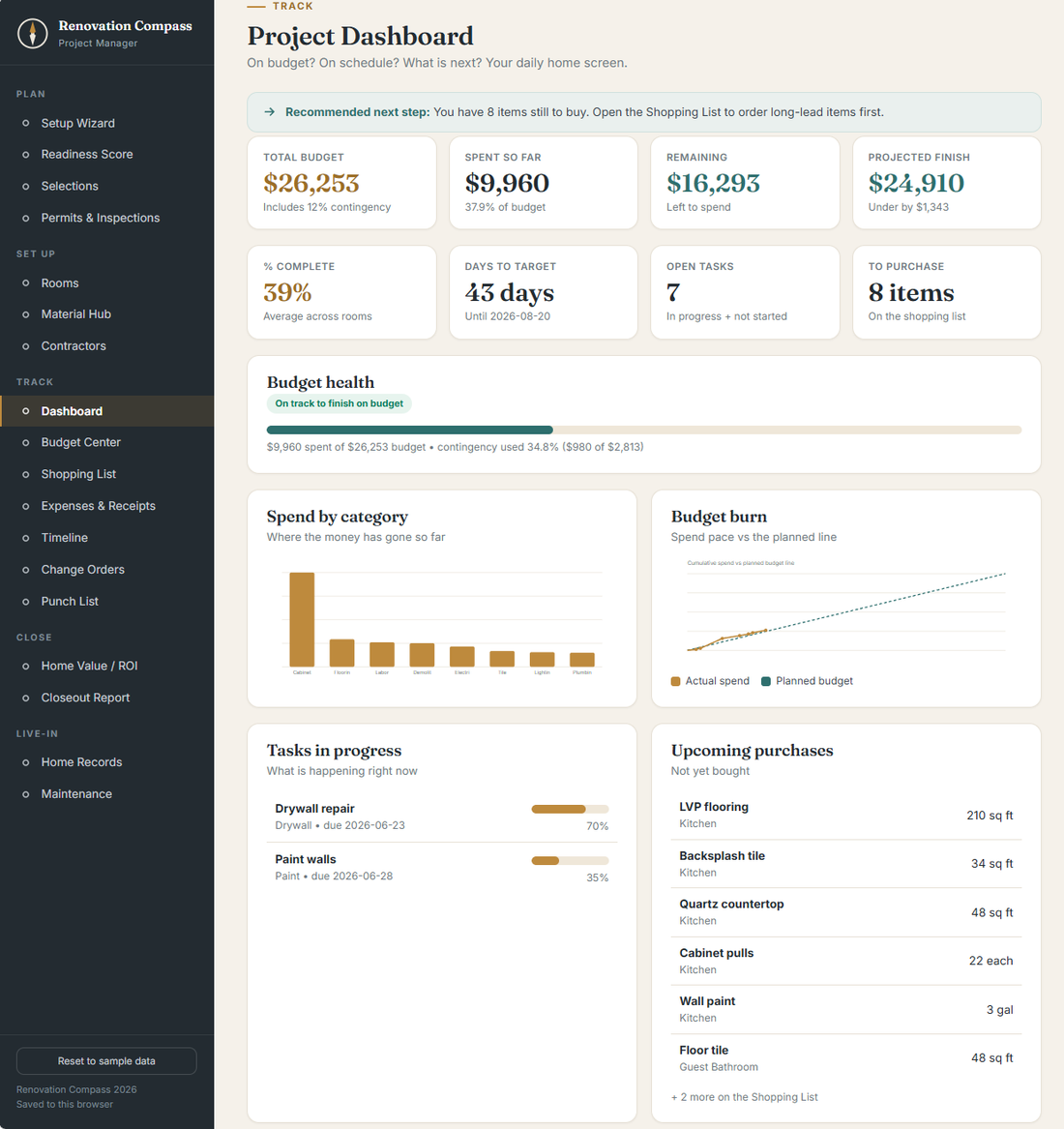
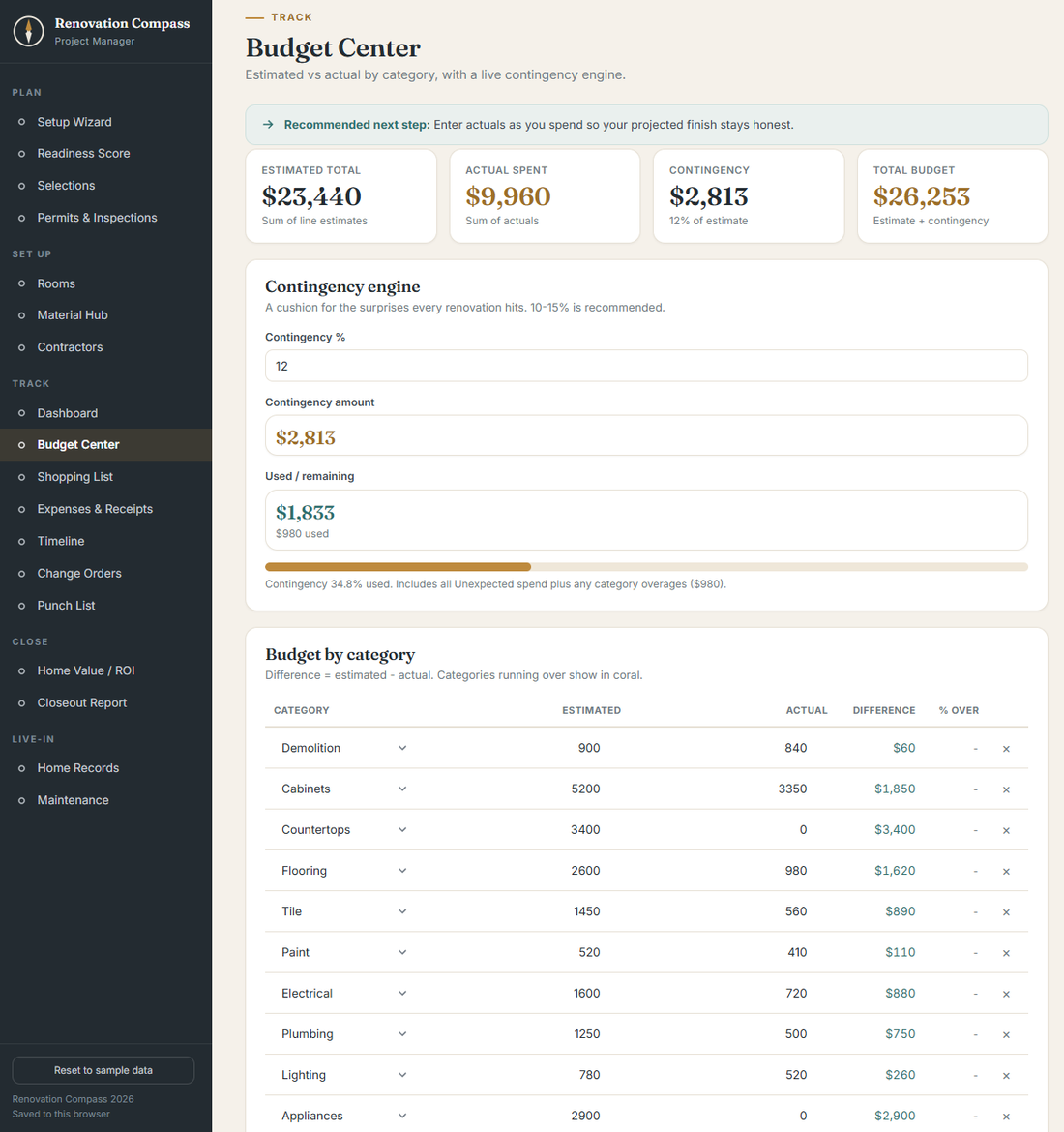
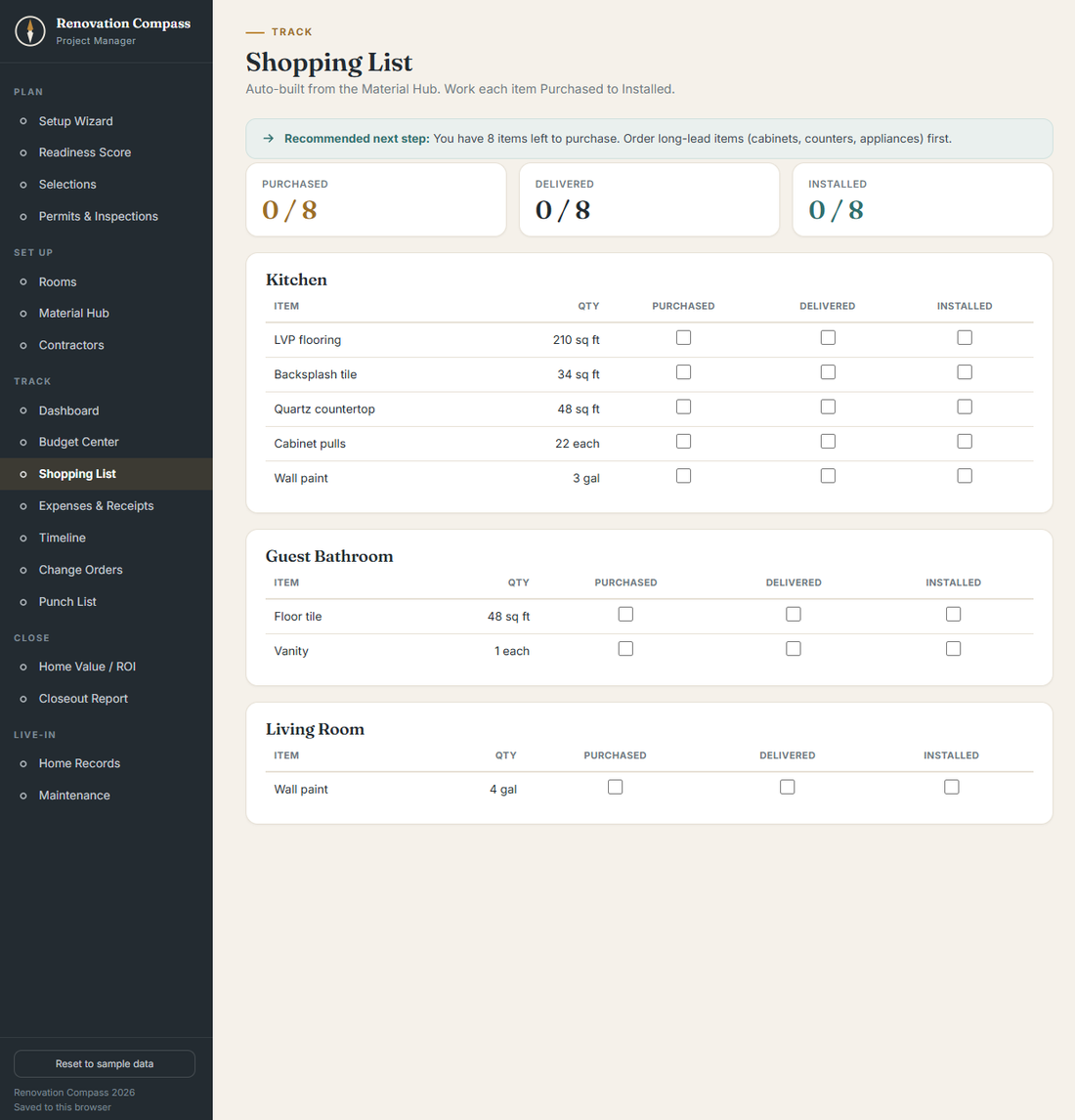
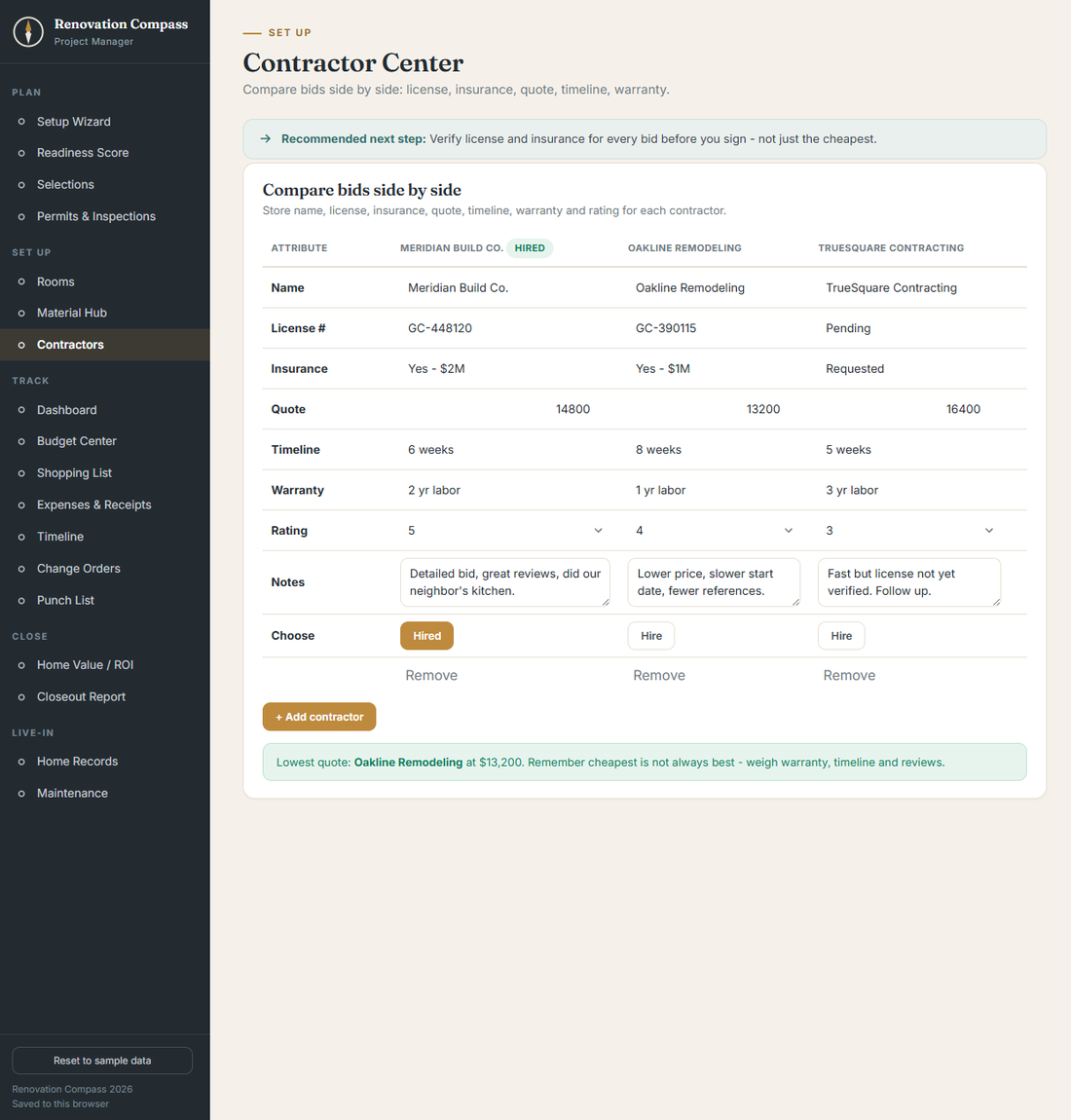
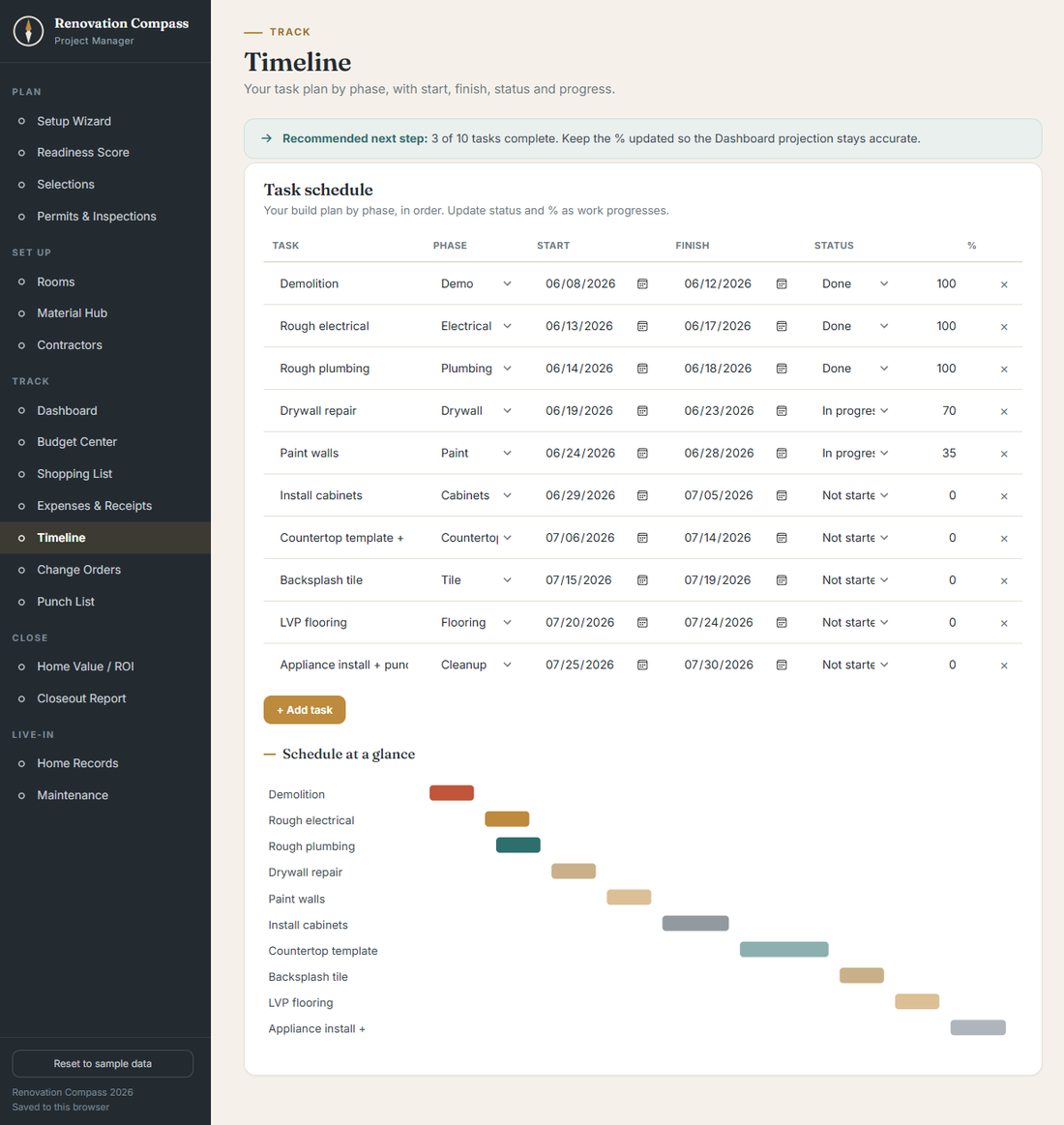
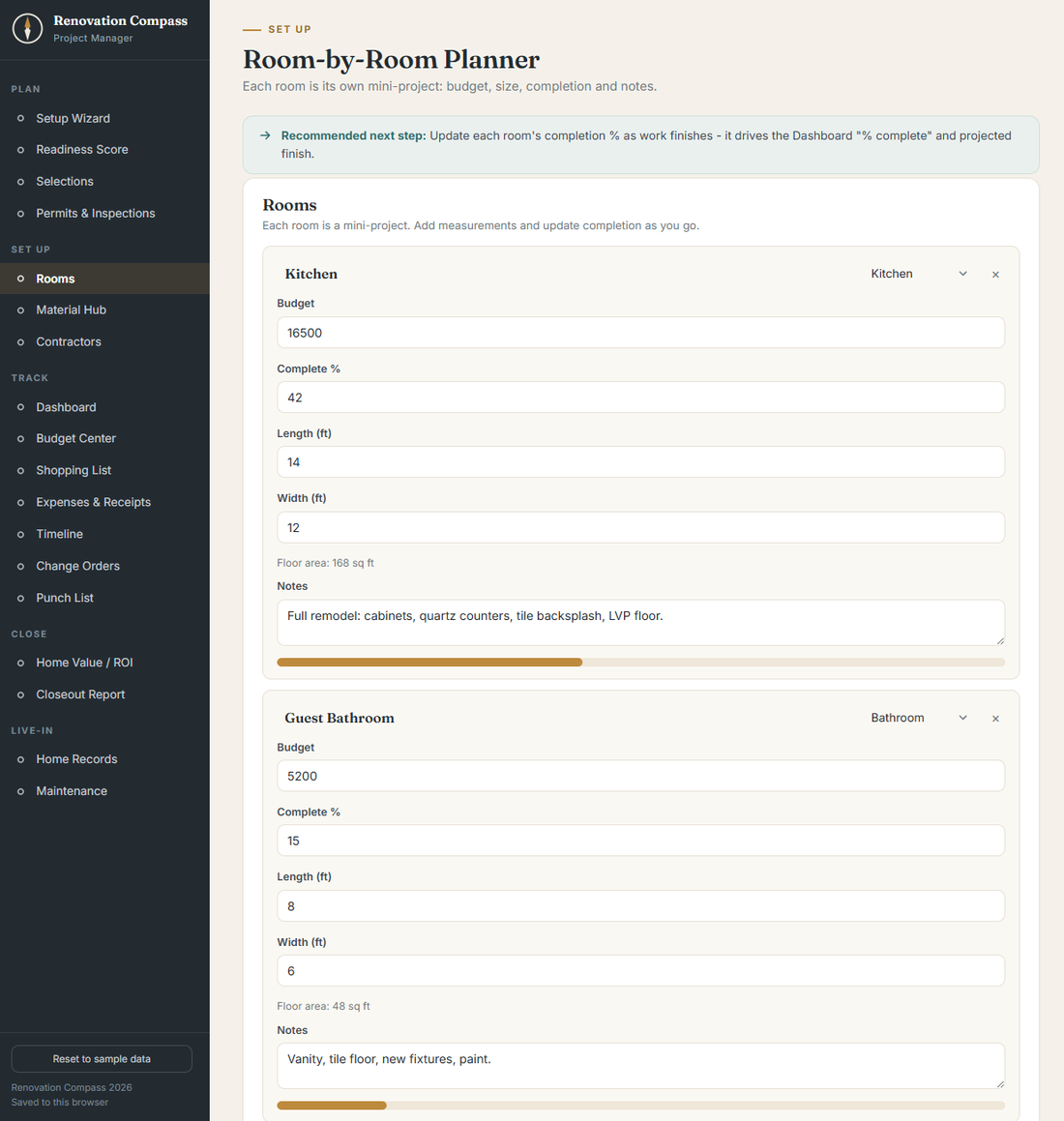
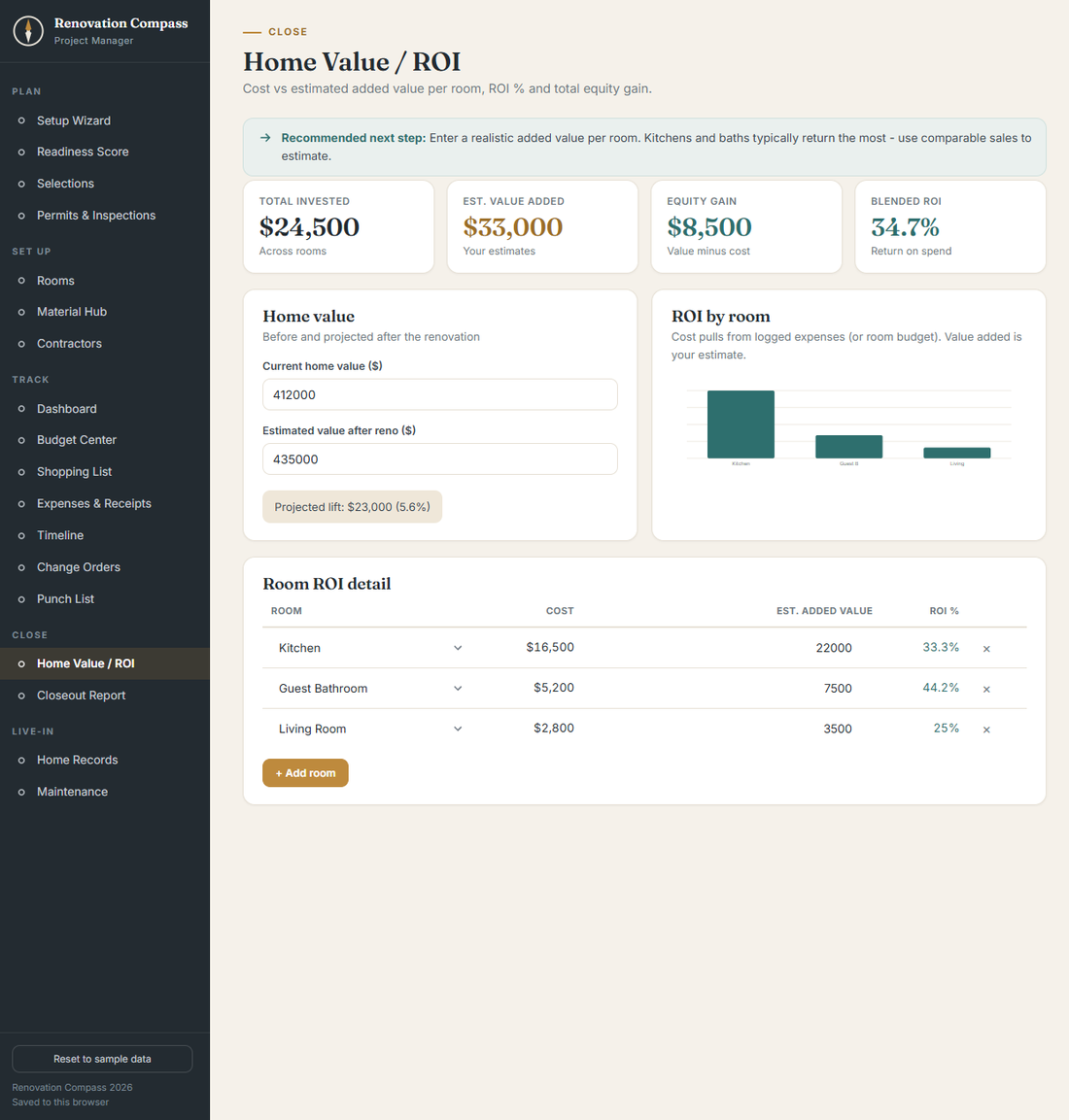
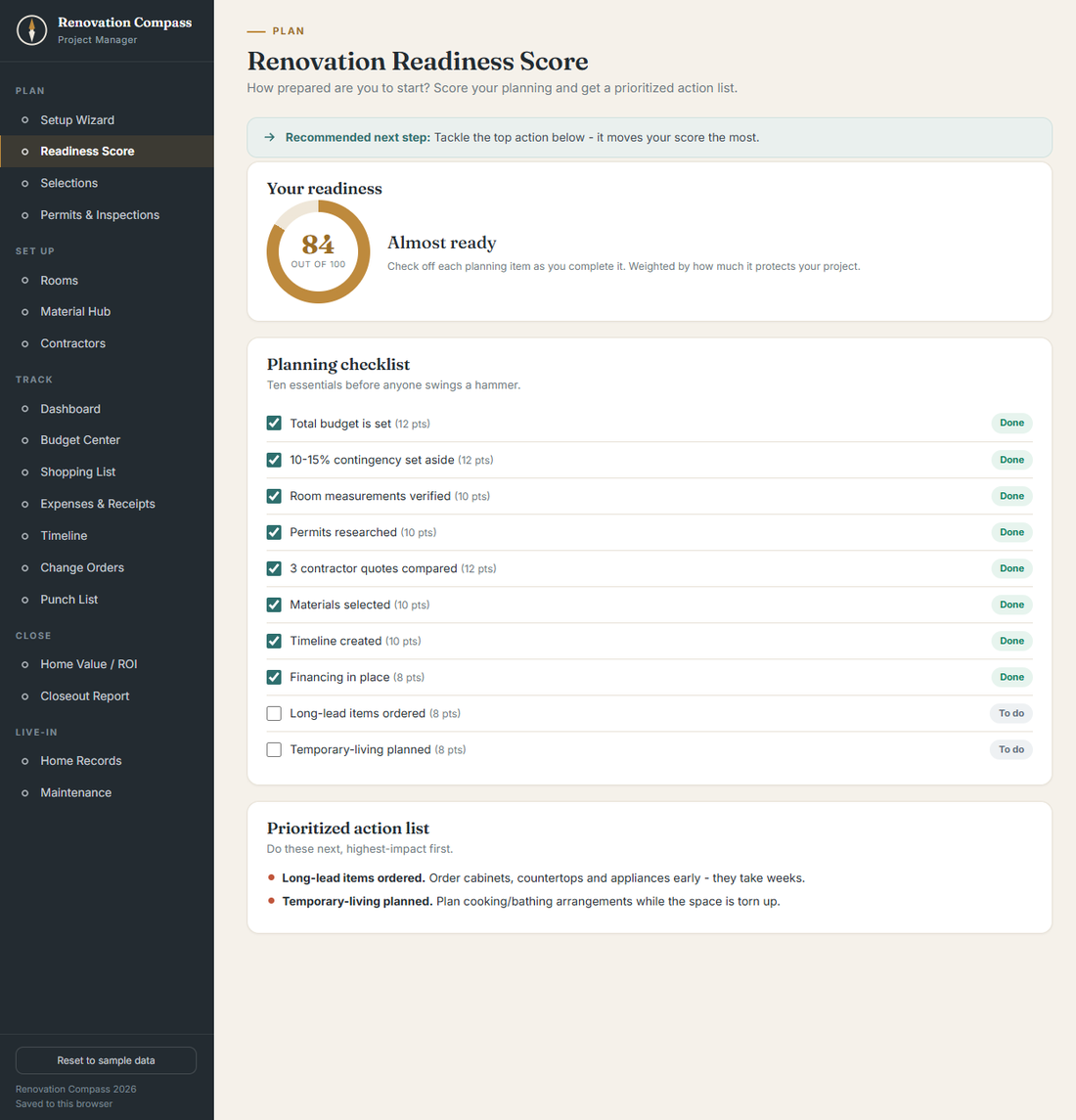
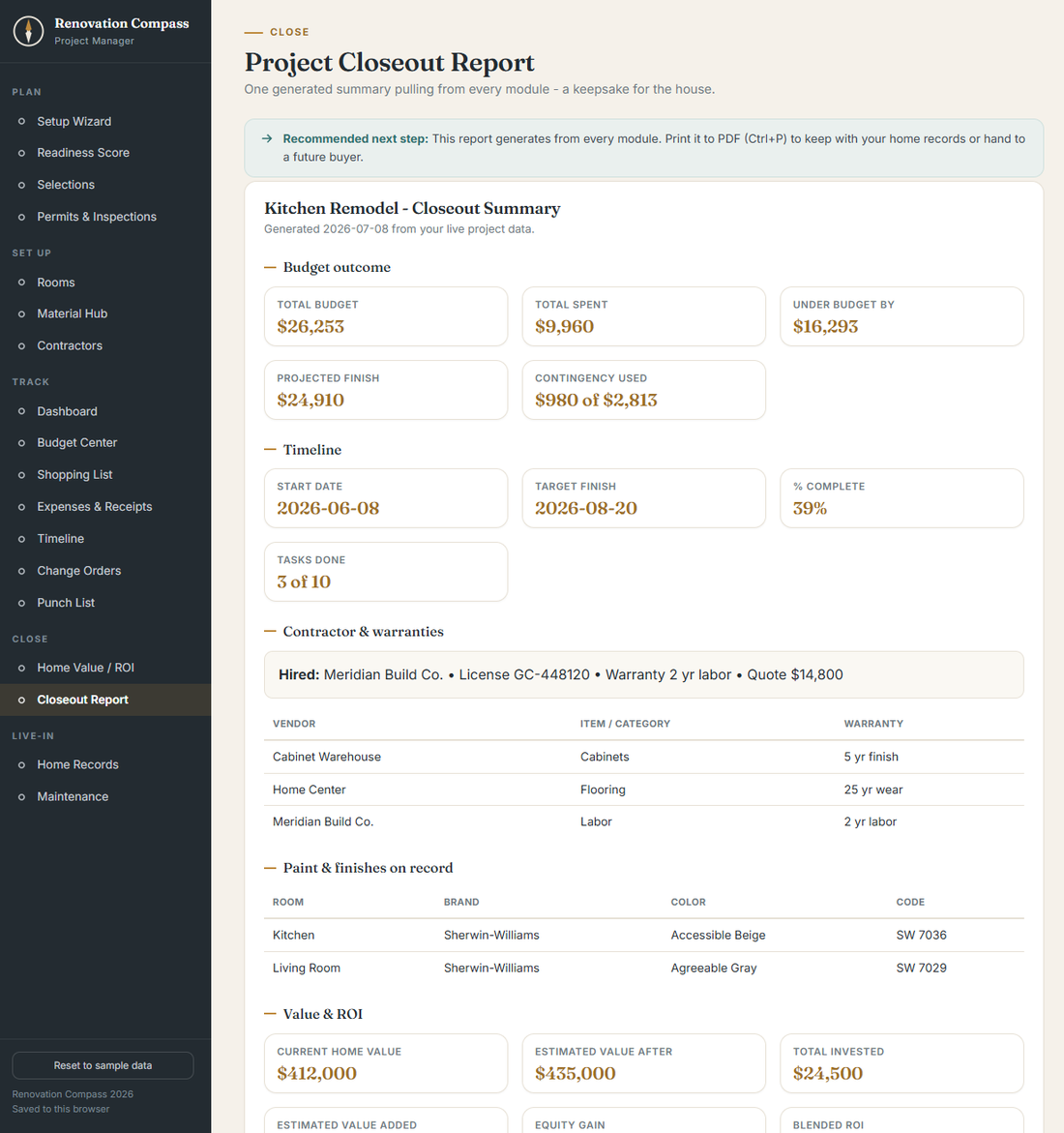
Actual screens from the web app — the Excel and Google Sheets versions match.
Questions
What do I get for $12?
The full Home Renovation Project Manager in all three formats — the web app, an Excel workbook and a Google Sheets version — plus a bonus Homeowner Handbook (12 printable PDF checklists) and free updates. Get it instantly on Gumroad.
Do I need to be a spreadsheet expert?
No. It's pre-built with formulas already in place. You enter your rooms, budgets and quotes; the totals, flags and ROI figures calculate themselves.
Can I use it on any project size?
Yes — from a single-room refresh to a whole-home renovation. Add or remove rooms and line items as your scope changes.